Rule of 500 Calculator for Milky Way Photography

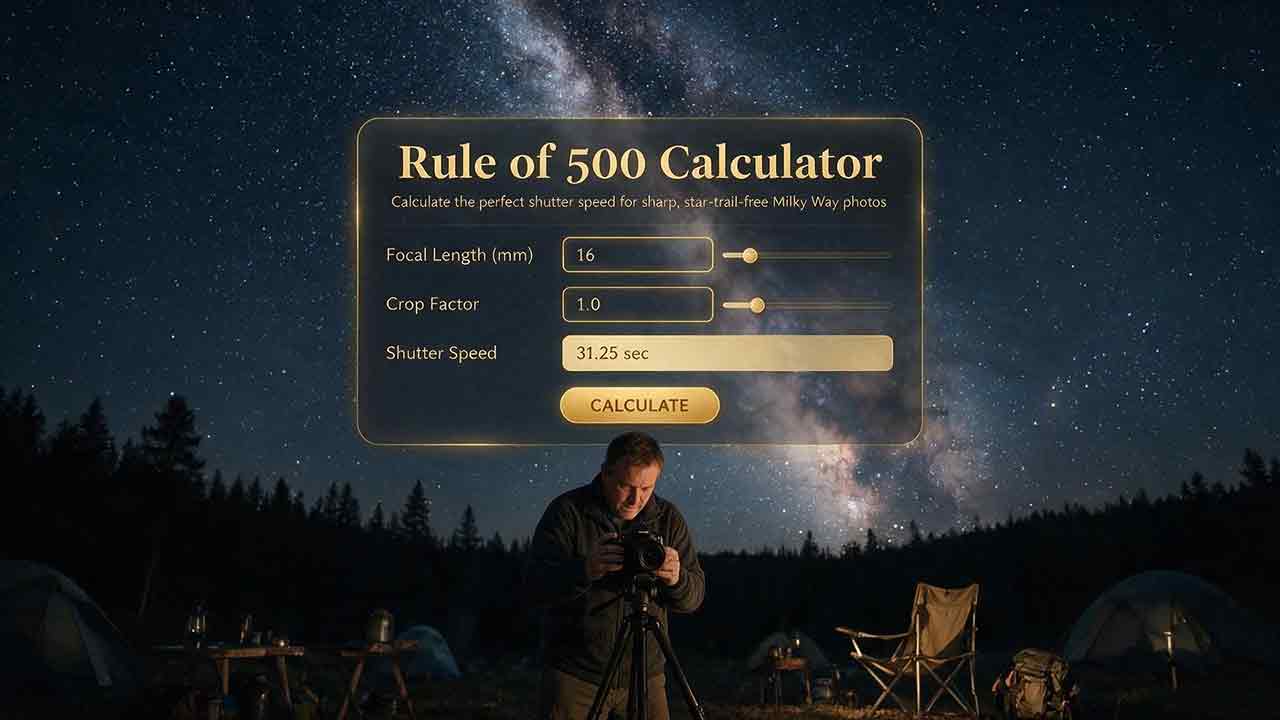
Rule of 500 Calculator for Milky Way Photography
The Rule of 500 Calculator estimates a starting shutter speed for untracked Milky Way photography. Divide 500 by the lens’s actual focal length and the camera’s crop factor. Treat the result as a traditional upper estimate rather than a guaranteed no-trailing limit, and shorten it when the photograph will be cropped, enlarged, printed large, or examined closely.
Key Takeaways
- The traditional calculation is 500 ÷ (actual focal length × crop factor).
- Enter the focal length currently selected on the lens, not a value already converted to its 35mm equivalent.
- The Rule of 500 can permit visible star elongation in high-resolution files or tightly cropped images.
- The Rule of 300 provides a shorter starting estimate, but it does not guarantee perfectly round stars.
- Note the exact mathematical result first, then choose the nearest camera-supported shutter speed at or below it.
This guide explains how to use the formula, select the correct crop factor, compare the 500, 400, and 300 rules, and determine whether imperfect stars are caused by exposure time, focus, or lens behavior.
Method note: The exposure tables in this guide were calculated directly from the stated Rule of 500, Rule of 400, and Rule of 300 formulas. Results were rounded to one decimal place using conventional half-up rounding, so a value ending in 0.05 rounds upward. The figures are mathematical examples rather than measurements from a particular camera or lens. Technical statements were checked against astronomy references, camera-manufacturer documentation, and the original NPF documentation.
How Does the Rule of 500 Calculator Work?
The traditional formula is:
Exposure time in seconds = 500 ÷ (actual focal length in mm × crop factor)
For a 20mm lens on a full-frame camera:
500 ÷ (20 × 1.0) = 25 seconds
For the same 20mm lens on a 1.5× APS-C camera:
500 ÷ (20 × 1.5) = 16.7 seconds
The Rule of 500 is a photographic heuristic, not a fixed physical cutoff. A Nikon-hosted landscape astrophotography guide describes the traditional method as dividing 500 by the 35mm-equivalent focal length. The photographer featured in the guide also notes that the traditional result can allow noticeable trails.
The output is therefore best understood as a transparent planning estimate. It does not identify an exact boundary between a round star and an elongated one.
Enter Two Values
- Actual focal length: Enter the focal length printed on the lens or recorded in the image metadata.
- Crop factor: Select the factor for the active image area recorded in the final file.
In this guide, crop factor means the 35mm-format conversion factor of the active image area recorded in the final file.
For a zoom lens, enter the focal length currently selected. If a 14–24mm lens is set to 20mm, enter 20mm, not 14mm and not the complete zoom range.
Compare the Rule of 500 with Shorter Alternatives
The calculator provides the Rule of 500 estimate. The same formula structure can be used with the Rule of 400 and Rule of 300 when a shorter starting exposure is preferred:
Rule of 500 = 500 ÷ (focal length × crop factor)
Rule of 400 = 400 ÷ (focal length × crop factor)
Rule of 300 = 300 ÷ (focal length × crop factor)
| Method | Meaning |
|---|---|
| Rule of 500 | Traditional and relatively permissive estimate |
| Rule of 400 | Moderately shorter estimate |
| Rule of 300 | Shorter alternative for stricter output requirements |
The Rule of 300 is more restrictive than the Rule of 500, but it is not universally conservative. High-resolution files, long focal lengths, heavy cropping, large output, and stars near the celestial equator may still require a shorter shutter speed.
Choosing the Correct Crop Factor
Use the crop factor for the active image area recorded in the final file.
| Camera format | Typical crop factor | Manufacturer reference |
|---|---|---|
| Full frame | 1.0× | 35mm-format reference |
| Nikon DX, Sony APS-C, and many other APS-C systems | 1.5× | Nikon DX and FX formats, Sony APS-C focal-length guidance |
| Canon APS-C | approximately 1.6× | Canon full-frame and APS-C comparison |
| Micro Four Thirds | 2.0× | OM System Micro Four Thirds reference |
These are common format values rather than substitutes for a camera manual. A crop recording mode or another reduced active image area can change the factor used in the calculation.
Why crop factor appears in this rule: A smaller sensor does not make the stars move faster, and crop factor does not alter Earth’s rotation. The adjustment is used because an image recorded from a smaller active area is generally enlarged more to produce the same display or print size. At the same actual focal length and pixel pitch, sensor size alone does not determine trail length measured in pixels. The Rule of 500 is therefore an output-oriented heuristic rather than a physical motion limit.
Do Not Apply Crop Factor Twice
Suppose a 16mm lens is used on a 1.5× APS-C camera.
Using actual focal length:
500 ÷ (16 × 1.5) = 20.8 seconds
The 35mm-equivalent focal length is 24mm, which gives the same result:
500 ÷ 24 = 20.8 seconds
Do not enter 24mm and multiply by 1.5 again:
500 ÷ (24 × 1.5) = 13.9 seconds
That applies the crop-factor conversion twice.
Use either:
- actual focal length with the crop factor, or
- 35mm-equivalent focal length with a crop factor of 1.0.
What If a Full-Frame Camera Is in Crop Mode?
Use the crop factor for the active crop mode.
A full-frame camera recording only a 1.5× APS-C area should be treated as 1.5× for this calculation. The lens has not changed focal length; the camera is recording a smaller portion of the image circle.
Cropping later does not change the star movement recorded during the exposure, but it enlarges that movement in the final presentation. Select a shorter exposure when a substantial final crop is planned.
Exposure Times by Focal Length and Sensor Format
The following values were calculated for commonly used Milky Way focal lengths.
Each cell shows:
Rule of 500 / Rule of 400 / Rule of 300
| Actual focal length | Full frame 1.0× | APS-C 1.5× | Canon APS-C 1.6× | Micro Four Thirds 2.0× |
|---|---|---|---|---|
| 14mm | 35.7s / 28.6s / 21.4s | 23.8s / 19.0s / 14.3s | 22.3s / 17.9s / 13.4s | 17.9s / 14.3s / 10.7s |
| 16mm | 31.3s / 25.0s / 18.8s | 20.8s / 16.7s / 12.5s | 19.5s / 15.6s / 11.7s | 15.6s / 12.5s / 9.4s |
| 20mm | 25.0s / 20.0s / 15.0s | 16.7s / 13.3s / 10.0s | 15.6s / 12.5s / 9.4s | 12.5s / 10.0s / 7.5s |
| 24mm | 20.8s / 16.7s / 12.5s | 13.9s / 11.1s / 8.3s | 13.0s / 10.4s / 7.8s | 10.4s / 8.3s / 6.3s |
| 35mm | 14.3s / 11.4s / 8.6s | 9.5s / 7.6s / 5.7s | 8.9s / 7.1s / 5.4s | 7.1s / 5.7s / 4.3s |
The decimal values make the calculations auditable. They do not imply that a difference of 0.1 second is photographically meaningful.
The calculation should retain its unrounded value internally. The displayed result can be rounded to one decimal place, while any recommended camera setting should be selected from the unrounded result rather than from the displayed rounded number.
Use One Consistent Rounding Rule
Note the exact mathematical result, then choose the highest shutter speed supported by the camera that does not exceed it.
Half-up rounding is used only to display the calculated table value. It does not authorize rounding a camera setting upward beyond the original unrounded result.
Examples:
- For a result of 20.8 seconds, choose the highest supported setting that does not exceed 20.8 seconds, such as 20 seconds.
- For a result of 16.7 seconds, use 16 or 15 seconds when available.
- For a result of 12.5 seconds, use 12 seconds when available or the next lower setting offered by the camera.
A camera setting labeled 13 seconds is close to a 12.5-second result, but it technically exceeds the calculated value. Choosing the nearest lower setting keeps the method consistent.
How Much Light Is Lost with the 400 or 300 Rule?
Shortening the rule constant reduces exposure time predictably when aperture, ISO, and sky brightness remain unchanged.
| Change | Exposure-time reduction | Light recorded per frame | Difference in stops | Practical meaning |
|---|---|---|---|---|
| Rule of 500 to Rule of 400 | 20% shorter | 80% of the original | about 0.32 stop less | A modest motion margin with a small signal penalty |
| Rule of 500 to Rule of 300 | 40% shorter | 60% of the original | about 0.74 stop less | A substantial reduction costing slightly less than one stop |
| Rule of 400 to Rule of 300 | 25% shorter | 75% of the original | about 0.42 stop less | An additional reduction for cropping or close inspection |
If the Rule of 500 gives 20 seconds:
Rule of 500: 20 seconds
Rule of 400: 16 seconds
Rule of 300: 12 seconds
Moving from 20 seconds to 12 seconds records 60% as much light in each frame, assuming the other exposure variables and sky conditions remain unchanged. In other words, the exposure time is reduced by 40%.
This is the central tradeoff: a shorter frame can reduce visible movement but records less signal. Capturing and aligning several shorter frames can increase total integration time without accepting all the movement permitted by one longer exposure.
Why Can the Rule of 500 Produce Visible Trails?
The formula considers focal length and crop factor. It does not evaluate pixel pitch, aperture, celestial position, final enlargement, lens performance, or the amount of cropping applied later.
Earth Rotates During the Exposure
Earth turns relative to the background stars in approximately 23 hours, 56 minutes, and 4 seconds. The JPL Astrodynamic Parameters reference lists the mean sidereal day as 86,164.09054 seconds.
NASA’s Reference Systems guide explains that Earth’s rotation relative to the fixed stars is approximately 3 minutes and 56 seconds shorter than the mean solar day.
A fixed camera therefore records the apparent movement of the sky throughout an exposure. The Rule of 500 estimates how much of that movement may remain acceptable under simplified conditions.
Sky Position Changes the Apparent Motion
Declination is the angular distance of a celestial object north or south of the celestial equator.
Apparent linear movement is greatest near the celestial equator and decreases toward a celestial pole. The OpenStax explanation of celestial coordinates describes declination and the apparent daily rotation of the celestial sphere.
Because the traditional Rule of 500 does not use declination, two compositions made with the same camera, lens, and shutter speed can show different amounts of elongation.
Resolution and Pixel Pitch Matter
Two cameras can share the same sensor format and focal length while recording different numbers of pixels across the frame.
A camera with smaller pixels may reveal a given amount of image movement more clearly at 100% magnification. The Rule of 500 has no pixel-pitch input and cannot provide a camera-specific pixel-level limit.
Output Size Changes What Is Visible
A shutter speed that looks acceptable in a small web image may reveal elongation when the photograph is:
- viewed at 100%;
- displayed on a high-resolution monitor;
- printed at a large size;
- cropped around the Galactic Center;
- sharpened strongly during editing.
“Sharp enough” is therefore an output decision rather than a universal number.
Aperture and Lens Behavior Affect Star Shape
Stars may also be distorted by coma, astigmatism, field curvature, defocus, camera vibration, condensation, or decentered optics.
An imperfect star is not automatically evidence that the shutter speed was too long. The Three-Limit Check below provides a structured way to identify the likely cause.
The Three-Limit Check
Original framework: The Three-Limit Check is an editorial framework created for this guide to organize the practical constraints on an untracked exposure. It is not a separate astronomical formula or an industry-standard rule.
A calculated shutter speed can succeed mathematically but still fail photographically because three different limits interact.
| Limit | Question | Typical response |
|---|---|---|
| Motion limit | Are stars elongated by apparent sky movement or camera motion? | Shorten the shutter or improve stability |
| Optical limit | Are stars distorted by focus or lens behavior? | Refocus, stop down, reframe, or evaluate the lens |
| Signal limit | Is the shorter exposure too weak or noisy? | Open the aperture, adjust ISO, or stack frames |
Use the checks in this order:
- Motion: Shorten the exposure or improve stability until broadly distributed directional stretching is acceptable.
- Optics: Check focus, aperture, lens tilt, and corner behavior without assuming every imperfect star is motion blur.
- Signal: Recover total signal with aperture, ISO, or stacking after the motion and optical limits are understood.
Move to the next check only after the current one is reasonably controlled.
Motion → optics → signal
For example, shortening a frame from 20 seconds to 12 seconds may reduce motion elongation. If corner stars still show wing-like shapes, the remaining problem is more likely optical than a reason to continue shortening the shutter indefinitely.
The framework keeps the Rule of 500 in its proper role: it estimates one constraint within a larger exposure decision.
Which Is Better: the Rule of 500, 400, 300, or NPF?
Choose the method according to the available information and intended output.
| Method | Inputs | Main strength | Main limitation | Appropriate use |
|---|---|---|---|---|
| Rule of 500 | Focal length and crop factor | Fast and easy to audit | Often permissive for close inspection | Rapid upper estimate |
| Rule of 400 | Focal length and crop factor | Adds a modest margin | Still ignores sensor sampling and sky position | General initial setting |
| Rule of 300 | Focal length and crop factor | Produces a meaningfully shorter value | Still cannot guarantee round stars | Cropping, enlargement, or stricter review |
| Simplified NPF | Focal length, aperture, and pixel pitch | Responds to lens and sensor characteristics | Requires technical camera data | More deliberate planning |
| Complete NPF | Focal length, aperture, pixel pitch, declination, and tolerance | Includes additional relevant variables | More complex and subject to implementation terms | Precision-oriented planning |
| Test-frame verification | Actual equipment, composition, and output | Evaluates the real setup | Requires time on location | Final decision |
The NPF method was developed by Frédéric Michaud of the Société Astronomique du Havre. Its original documentation includes focal length, aperture, pixel pitch, declination, and an acceptable-elongation factor in the complete formula.
PhotoPills’ Spot Stars tool similarly presents the Rule of 500 as a rough planning method and provides an NPF-based alternative that uses additional camera and sky information.
NPF implementation note: The original NPF documentation identifies Frédéric Michaud and the Société Astronomique du Havre as the source and describes conditions for commercial use. Before implementing the formula in a revenue-generating calculator, review the current source terms and obtain any consent or attribution that may be required. This note is not legal advice.
A Practical Exposure Decision Framework
Use the Rule of 500 Estimate When:
- you need a rapid upper estimate;
- the lens is very wide;
- the image will be displayed at a modest size;
- slight elongation is acceptable;
- maximizing signal in one frame matters more than pixel-level roundness.
Begin with the Rule of 400 When:
- you want a moderate reduction from the traditional value;
- the camera has moderate or high resolution;
- the photograph may be printed at a medium size;
- you want additional margin without losing much exposure time.
Begin with the Rule of 300 When:
- the photograph will be cropped substantially;
- the Galactic Center is a critical detail;
- the file will be inspected closely;
- the final output will be large;
- several sky frames will be aligned and stacked.
Use NPF or Direct Testing When:
- precise star shape is a priority;
- the lens is longer than a typical wide-angle Milky Way lens;
- the camera’s pixel pitch is known;
- the image is intended for a large print;
- the composition contains stars near the celestial equator;
- repeatability matters more than calculation speed.
Do Not Use the Rule of 500 When:
- the camera is following the sky with a tracking mount or dedicated astro-tracking mode;
- deliberate star trails are the goal;
- the subject is the Moon or a planet at long focal length;
- the exposure is being calculated for a telescope;
- foreground motion or vibration is the dominant limit.
Field Workflow
Step 1: Enter the Actual Focal Length
Use the focal length currently selected on the lens.
For a 16–35mm zoom set to 24mm, enter 24mm.
Step 2: Select the Active Image Area
Choose the crop factor for the active image area recorded in the final file.
Confirm the factor when the camera is using a crop mode.
Step 3: Calculate the Exposure Estimates
Calculate the Rule of 500 result and compare it with the Rule of 400 and Rule of 300 alternatives.
The three values show the cost of choosing a stricter motion tolerance instead of hiding that choice inside one unexplained number.
Step 4: Select the Nearest Lower Camera Setting
Choose a shutter speed supported by the camera that is at or below the selected mathematical result.
Step 5: Capture a Test Frame
Photograph the intended section of sky using the planned aperture and focus position.
Inspect a group of stars near the center and another near the corners.
Step 6: Apply the Three-Limit Check
Check motion first, optical behavior second, and signal third.
Change one variable at a time so the cause of any improvement remains clear.
Input Limits and Special Cases
Focal length and crop factor must be positive numeric values. Do not use a result when either input is zero, negative, blank, or nonnumeric.
Also check the following:
- Enter the focal length currently selected, not the complete zoom range.
- Do not combine a 35mm-equivalent focal length with an additional crop factor.
- Digital cropping does not change the lens’s actual focal length, but it can make existing movement more visible.
- A teleconverter or focal reducer changes effective focal length and should be included.
- Long focal lengths can produce exposure times that are impractically short without stacking or tracking.
- Ordinary optical or in-body stabilization can reduce camera shake, but it does not normally compensate for Earth’s rotation.
- Dedicated sensor-shift astro-tracking is a separate technology. For example, PENTAX ASTROTRACER can shift the image sensor in synchronization with celestial motion on compatible equipment. Availability, setup requirements, and usable exposure time depend on the supported camera, lens, location data, and operating mode.
- Specialized computational or tracking modes may combine frames, crop the active image area, or move the sensor. Follow the manufacturer’s instructions instead of assuming that the standard fixed-camera formula applies unchanged.
Calculation-Based Examples
These examples are formula outputs, not claims of field-tested performance.
14mm on Full Frame
Rule of 500: 500 ÷ (14 × 1.0) = 35.7 seconds
Rule of 400: 400 ÷ (14 × 1.0) = 28.6 seconds
Rule of 300: 300 ÷ (14 × 1.0) = 21.4 seconds
Practical lower settings include 20 seconds for the Rule of 300 estimate and 25 seconds for the Rule of 400 estimate. A 30-second exposure exceeds the 28.6-second Rule of 400 result and represents a more permissive choice.
16mm on a 1.5× APS-C Camera
Rule of 500: 500 ÷ (16 × 1.5) = 20.8 seconds
Rule of 400: 400 ÷ (16 × 1.5) = 16.7 seconds
Rule of 300: 300 ÷ (16 × 1.5) = 12.5 seconds
The Rule of 300 result is 12.5 seconds. Use 12 seconds when available or the next lower setting offered by the camera.
The 20-second setting remains below the Rule of 500 result, while a 15- or 16-second setting can represent the Rule of 400 estimate.
12mm on Micro Four Thirds
Rule of 500: 500 ÷ (12 × 2.0) = 20.8 seconds
Rule of 400: 400 ÷ (12 × 2.0) = 16.7 seconds
Rule of 300: 300 ÷ (12 × 2.0) = 12.5 seconds
A 12mm lens on a 2× format produces the same simplified denominator as a 24mm lens on full frame.
That does not mean the two systems have identical noise, dynamic range, depth of field, lens behavior, or pixel sampling. It means only that this formula returns the same exposure estimates.
24mm on Full Frame
Rule of 500: 500 ÷ (24 × 1.0) = 20.8 seconds
Rule of 400: 400 ÷ (24 × 1.0) = 16.7 seconds
Rule of 300: 300 ÷ (24 × 1.0) = 12.5 seconds
Consistent lower camera settings include approximately 20 seconds for the Rule of 500, 15 or 16 seconds for the Rule of 400, and 12 seconds or the next lower available setting for the Rule of 300.
Recovering Signal with Shorter Exposures
A shorter shutter speed records less light in each frame. Compensate deliberately rather than extending the exposure until the stars visibly trail.
Open the Aperture When Lens Performance Allows
A wider aperture allows more light to reach the sensor.
Some lenses show stronger coma, astigmatism, softness, or vignetting near their maximum aperture, particularly toward the corners. The widest available aperture is not automatically the most useful one.
Raise ISO When Needed
Raising ISO does not increase the number of photons captured by the sensor. Aperture and shutter duration determine how much scene light reaches it.
Depending on the camera, ISO changes how strongly the captured signal is amplified or represented. It can make the recorded image brighter and affect the appearance of noise, but the exact behavior varies by camera model. Sony’s ISO explanation describes ISO as an indicator of how much the light-derived signal is amplified in the camera.
Set aperture and shutter speed first, then select an ISO that produces a usable raw file without clipping important highlights. The appropriate value depends on the camera, sky brightness, aperture, and processing workflow.
Stack Multiple Sky Frames
Capture several short exposures and align them during processing.
Stacking can increase total integration time while preserving the shorter shutter selected for better star shape. It does not correct focus errors, clipping, severe lens aberrations, or poor alignment.
Separate the Sky and Foreground When Necessary
The land may need a different exposure from the sky.
A separate foreground frame can use a longer shutter speed or lower ISO when the landscape is stationary. A composite should not be presented as a single exposure when it is not.
Use a Tracker for Longer Sky Exposures
A tracking mount or dedicated astro-tracking system follows the apparent movement of the sky.
The foreground will normally require a separate untracked frame because the landscape moves relative to a camera that is following the stars.
Common Mistakes
Applying Crop Factor Twice
Use actual focal length with crop factor, or equivalent focal length with 1.0.
Rounding Above the Selected Result
Use the downward-selection method described earlier rather than automatically choosing a longer setting.
Judging Only from a Fit-to-Screen Preview
A small preview can conceal elongation. Magnify a representative part of the image before starting a long sequence.
Ignoring the Final Crop
A full frame may look acceptable while a tight crop around the Milky Way core reveals movement. Choose the exposure for the intended final image.
Treating Ordinary Stabilization as Sky Tracking
Ordinary optical or in-body stabilization can reduce camera movement, but it does not normally track the sky. Dedicated astro-tracking modes are an exception and should not be treated as conventional stabilization.
Troubleshooting
| Problem | Likely cause | Practical response |
|---|---|---|
| Stars form short lines through much of the frame | Exposure too long or camera movement | Shorten the shutter and check tripod stability |
| Center stars are sharp but corners have wings | Coma, astigmatism, or field curvature | Stop down slightly, refocus, reframe, or crop |
| Milky Way becomes too dark after shortening exposure | Less signal per frame | Open the aperture, adjust ISO, or stack frames |
| Foreground is blurred while stars look acceptable | Wind, vibration, or subject movement | Stabilize the setup or make a separate foreground exposure |
| Every star looks soft without directional stretching | Focus error, condensation, or vibration | Refocus on a bright star and inspect the lens |
| One side is consistently softer | Tilt, decentered optics, or uneven focus plane | Check mounting, focus, and lens behavior |
| Colored points stay in fixed pixel locations | Hot or stuck pixels | Use pixel correction or suitable dark-frame processing |
| Results differ between compositions | Different focal length, declination, focus, or crop | Recalculate for the new framing |
| The result is impractically short | Long focal length or strict tolerance | Use stacking, a wider lens, a faster lens, or tracking |
Field Checklist
Before photographing:
- Confirm the actual focal length.
- Confirm the active image area or crop mode.
- Calculate the Rule of 500, 400, and 300 values.
- Select a value based on the intended crop and output size.
- Choose a supported shutter speed at or below that estimate.
- Stabilize the tripod and secure each adjustment.
- Focus on a bright star at high magnification.
- Capture one test frame of the intended composition.
- Inspect center and corner stars separately.
- Apply the Three-Limit Check in the order motion, optics, and signal.
- Record the successful settings for the next composition.
Use the site’s Moon Phase Calculator to evaluate lunar illumination, the Milky Way Visibility Planner to identify useful observing windows, and the Galactic Center Visibility Calculator to check the core’s position.
A Lens Field of View Calculator can help compare framing between formats. Photographers intentionally creating trails should use a Star Trails Exposure Calculator instead.
Follow current property rules, nighttime closures, permit requirements, weather warnings, fire restrictions, and local access laws. A favorable exposure calculation does not establish that a location is open, safe, or legally accessible.
Practical Conclusion
The Rule of 500 Calculator provides a rapid upper estimate for untracked Milky Way photography:
Exposure = 500 ÷ (actual focal length × crop factor)
Calculate the three rule values, choose a camera-supported setting at or below the estimate that matches the intended output, and verify the result in a magnified test frame.
Calculate → choose → verify
Frequently Asked Questions
Does crop factor make stars move faster?
No. Crop factor does not alter Earth’s rotation or the angular movement of the sky. It appears in this heuristic because a smaller recorded area is generally enlarged more for the same final output.
Is the Rule of 300 guaranteed to prevent trails?
No. It is simply 40% shorter than the Rule of 500. Some cameras, focal lengths, crops, and sky positions may require a still shorter exposure.
Should I use actual or 35mm-equivalent focal length?
Use actual focal length with the crop factor. Alternatively, use the 35mm-equivalent focal length with a crop factor of 1.0. Apply the conversion only once.
Does raising ISO replace the light lost by shortening the shutter?
No. Raising ISO changes how the captured signal is amplified or represented, but it does not replace photons that were not recorded during the shorter exposure.
Why do corner stars look worse than center stars?
Corner distortion is often associated with coma, astigmatism, field curvature, lens tilt, decentered optics, or focus placement rather than shutter speed alone.
Can I use the Rule of 500 with ASTROTRACER or a star tracker?
No. The Rule of 500 is intended for a camera fixed relative to the ground. A mechanical tracker or dedicated sensor-shift astro-tracking mode changes how the camera follows the sky and requires a tracking-specific workflow.
Sources
NASA Jet Propulsion Laboratory — Astrodynamic Parameters
Mean sidereal-day duration and standard astronomical parameters. Accessed July 31, 2026.NASA Science — Basics of Space Flight: Reference Systems
Earth’s rotation relative to the Sun and fixed stars. Accessed July 31, 2026.Nikon USA — Landscape Astrophotography with the Nikon D810A
Nikon-hosted discussion of the Rule of 500 and its practical limitations. Accessed July 31, 2026.Nikon USA — The DX and FX Formats
Nikon sensor dimensions and the 1.5× DX crop factor. Accessed July 31, 2026.Sony USA — Determining 35mm-Equivalent Focal Length on APS-C
Official 1.5× APS-C focal-length conversion guidance. Accessed July 31, 2026.Canon USA — Full-Frame Camera Benefits
Canon’s comparison of full-frame and APS-C formats and the 1.6× crop factor. Accessed July 31, 2026.OM System — OM-1 Mark II
Manufacturer reference to the Micro Four Thirds 2× crop. Accessed July 31, 2026.Sony USA — ISO Sensitivity
Manufacturer explanation of ISO as signal amplification. Accessed July 31, 2026.OpenStax Astronomy 2e — Earth and Sky
Declination, the celestial equator, and apparent celestial rotation. Accessed July 31, 2026.Société Astronomique du Havre — La Règle NPF
Original NPF documentation, authorship, variables, attribution, and stated commercial-use terms. Accessed July 31, 2026.PhotoPills — Spot Stars Calculator
Comparison of the Rule of 500 with an NPF-based planning method. Accessed July 31, 2026.RICOH Imaging — PENTAX ASTROTRACER
Manufacturer documentation for sensor-shift tracking of celestial motion. Accessed July 31, 2026.
More from Astrophotography Planning Tools
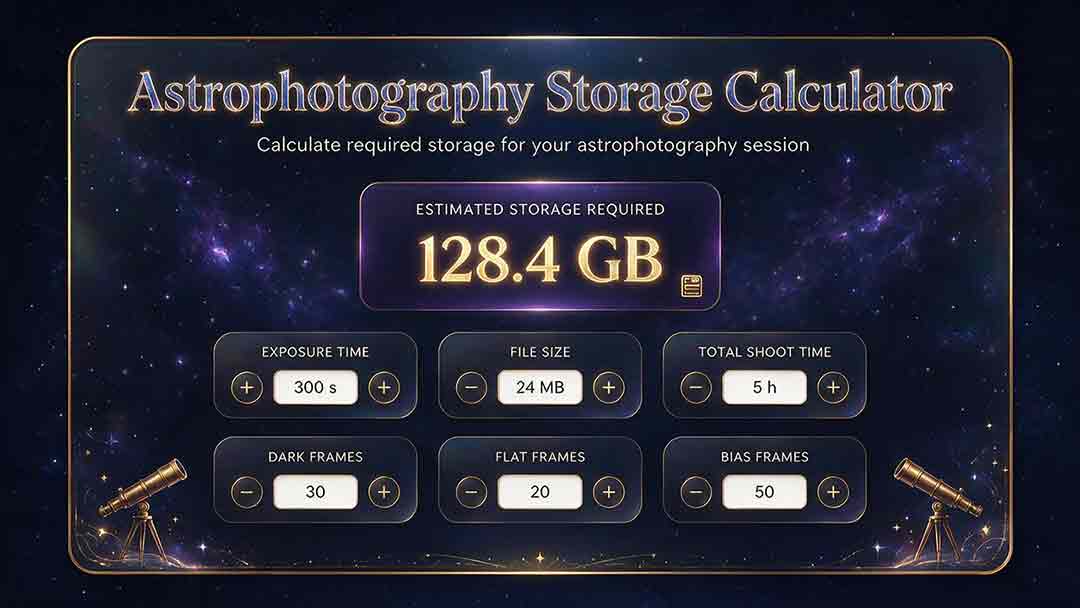
Astrophotography Storage Calculator
This guide explains how to estimate storage for astrophotography capture, processing, and backup without relying on misleading megapixel shortcuts. It compares measured-file, uncompressed-array, and bitrate methods; distinguishes mean, median, high-percentile, and maximum file-size statistics; and explains decimal versus binary storage units. Readers learn how FITS headers, padding, HDUs, RAW compression, calibration frames, RGB conversion, drizzle, mosaics, caches, and temporary files affect project size. Original planning tools include the Four-Bucket Storage Ledger, the Capture–Process–Protect Check, and a clearly defined storage expansion ratio. Worked examples show how to calculate peak logical data, project-relative headroom, complete-copy footprint, media count, write rate, and transfer time. The article also covers integrity verification, backup limitations, retention decisions, and troubleshooting. It is designed to help astrophotographers build realistic capacity plans for single sessions, multi-night projects, planetary video, star trails, and long-term archives.
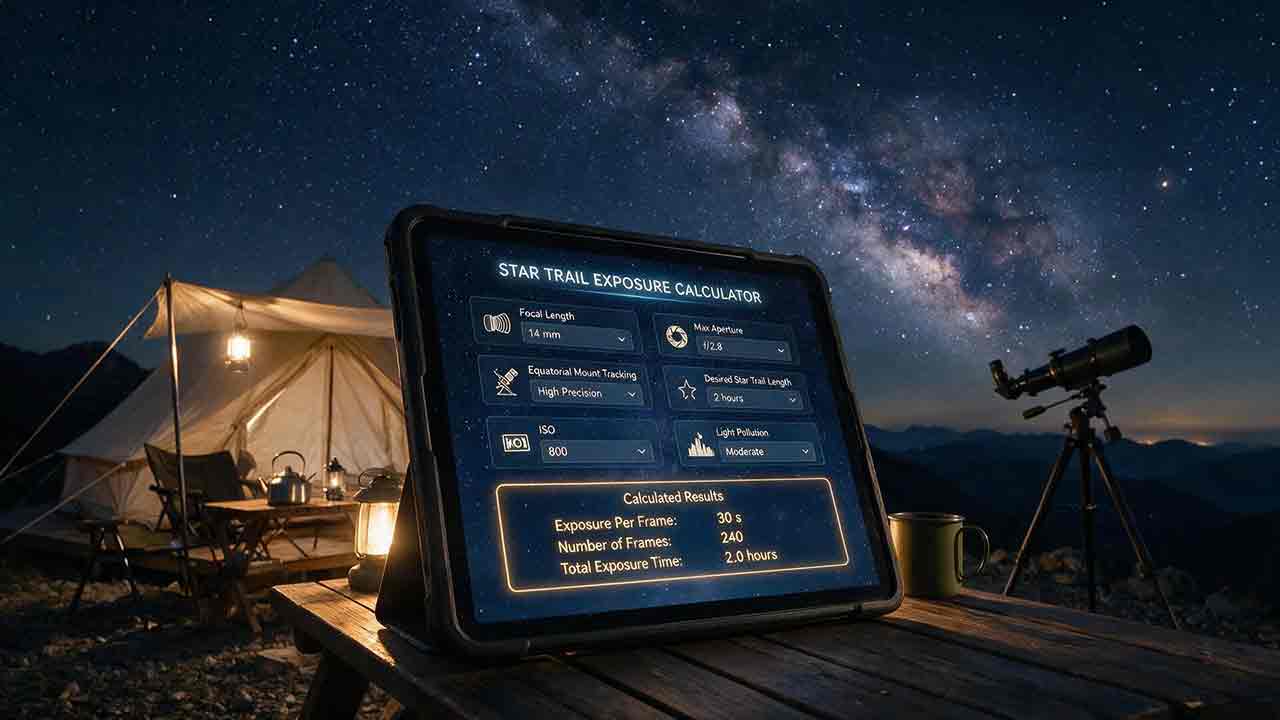
Star Trail Exposure Calculator
This guide explains how to calculate star-trail exposure time from Earth’s sidereal rotation, stellar declination, and local image scale. It distinguishes polar sweep, declination-adjusted sky-path length, projected pixel length, recorded sweep, missing sweep, and the full start-to-end span of a stacked sequence. Original tables compare trail lengths at several declinations, quantify one-second frame gaps at different image scales, and show how recorded time, gap time, duty cycle, and sequence sweep relate. The Trail–Frame–Sequence Check provides a practical framework for separating celestial geometry, per-frame reliability, and sequence continuity. Worked examples also address the celestial-pole edge case, local WCS-based pixel movement, frame-count limits, long-exposure noise reduction, and the difference between a single exposure and stacked frames. Readers can use the article to plan smoother trails, avoid misleading sequence calculations, and verify expected motion with native-resolution test images.
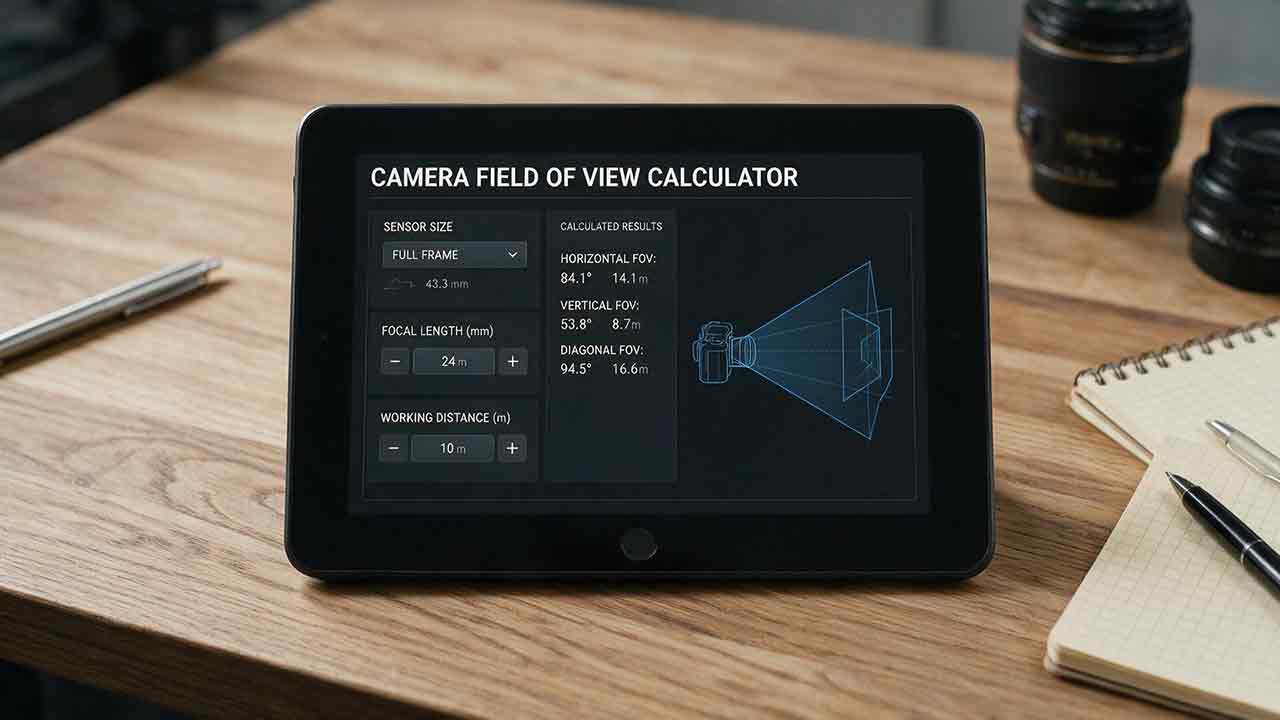
Camera Field of View Calculator
This guide explains how to calculate horizontal, vertical, and diagonal camera field of view from the recorded active sensor dimensions and effective focal length. It distinguishes physical focal length from crop-factor comparisons, shows why aspect ratio and target rotation affect framing, and provides independently calculated reference tables for common sensor sizes and focal lengths. The original Frame Envelope Check separates ideal frame geometry, the target envelope, and the usable frame retained after dithering, registration, distortion correction, and cropping. Worked examples demonstrate target occupancy, maximum permitted focal length, rotated bounding boxes, and mosaic panel counts with overlap. The article also explains radians versus degrees, crop and stabilization modes, focus breathing, rectilinear versus fisheye projection, and plate-solving verification through a celestial WCS. Readers can use the formulas, margin budget, troubleshooting table, and framing checklist to plan wide-field compositions, small-target imaging, or mosaics without treating a mathematical edge-to-edge fit as a guaranteed final frame.
Explore More Topics
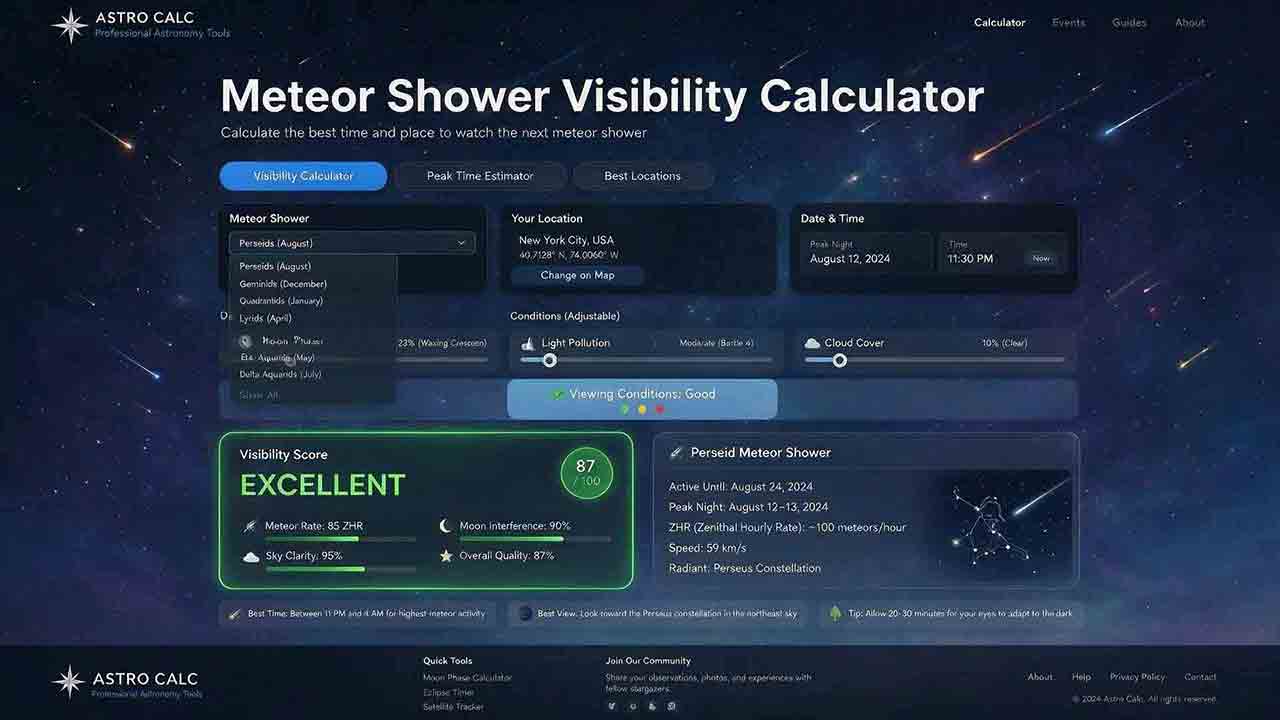
Meteor Shower Visibility Calculator
This guide explains how to use a meteor shower visibility calculator to identify a locally favorable observing window instead of relying only on a published peak time or Zenithal Hourly Rate. It covers activity periods, radiant altitude, astronomical darkness, Moon timing, weather, limiting magnitude, population index, and the distinction between named-shower members, sporadic meteors, and meteors from overlapping showers. The article introduces two original planning tools: the Five-Layer Meteor Test and the Meteor Opportunity Window, which calculates the overlap between activity, radiant, darkness, Moon, weather, and session constraints. A reproducible cross-midnight example compares illustrative 20° and 40° radiant thresholds, producing windows of 2 hours 20 minutes and 1 hour 40 minutes. Practical guidance addresses moonlight, viewing direction, dark adaptation, calculator disagreements, troubleshooting, and responsible site selection, supported by NASA, IMO, AMS, and U.S. Naval Observatory sources.
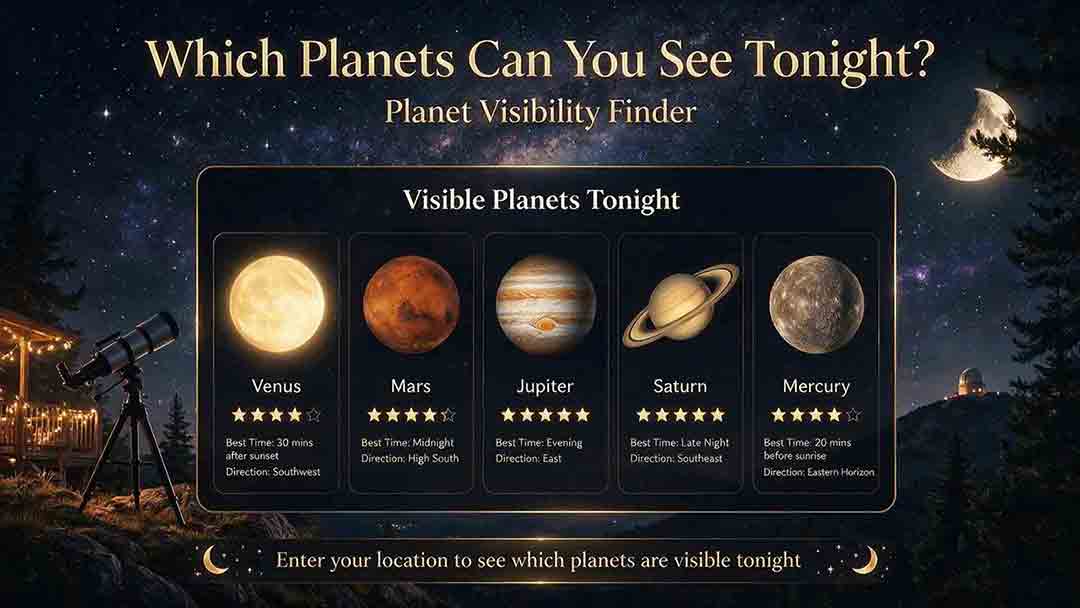
Planet Visibility Finder: Which Planets Can You See Tonight?
This guide explains how to use a planet visibility finder to decide which planets are realistically observable for a selected date, time, and location. It shows why an object being above the horizon does not guarantee visibility and explains the roles of altitude, azimuth, apparent magnitude, solar elongation, twilight, moonlight, weather, and local obstructions. Readers learn which planets are normally visible without a telescope, how Mercury and Venus differ from the outer planets, and why two finders may produce different results. The article introduces an original Four-Gate Visibility Test covering position, solar light, detectability, and site timing, plus a reproducible Useful Viewing Window calculation. A hypothetical example compares a 1-hour-26-minute naked-eye window with an 18-minute higher-altitude telescope window. Practical troubleshooting, safety guidance, and NASA, USNO, and JPL sources support the planning method.
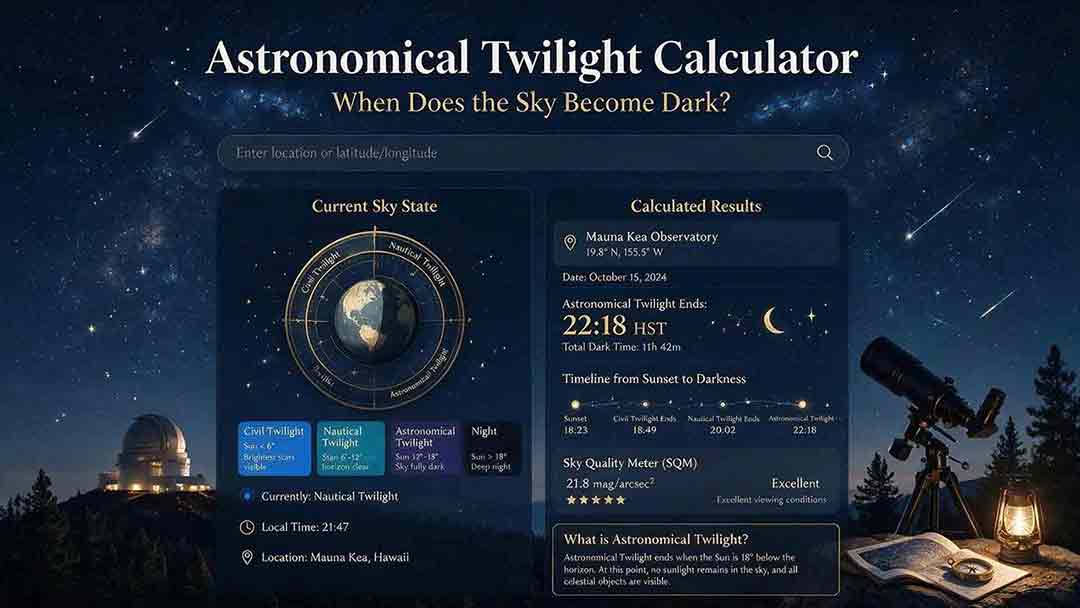
Astronomical Twilight Calculator: When Does the Sky Become Dark?
This guide explains how to use an astronomical twilight calculator to identify the end of evening astronomical twilight and the beginning of morning astronomical twilight for a selected date and location. It distinguishes sunset, civil dusk, nautical dusk, astronomical dusk, and the Sun-below-18° interval while clarifying that solar geometry does not guarantee a visibly dark sky. Readers learn how latitude, season, timezone, daylight-saving rules, moonlight, skyglow, clouds, haze, and high-latitude conditions affect practical planning. The article introduces two original tools: the Darkness Margin, which calculates how much of a session falls inside the Sun-below-18° interval, and a Task Threshold Matrix that matches observing goals to practical twilight stages. A worked cross-midnight example produces a 1-hour-48-minute dark interval. Troubleshooting guidance, planning checks, and authoritative USNO, NOAA, and National Park Service sources support the method.