Moon Phase Calculator: Find the Moon’s Phase for Any Date

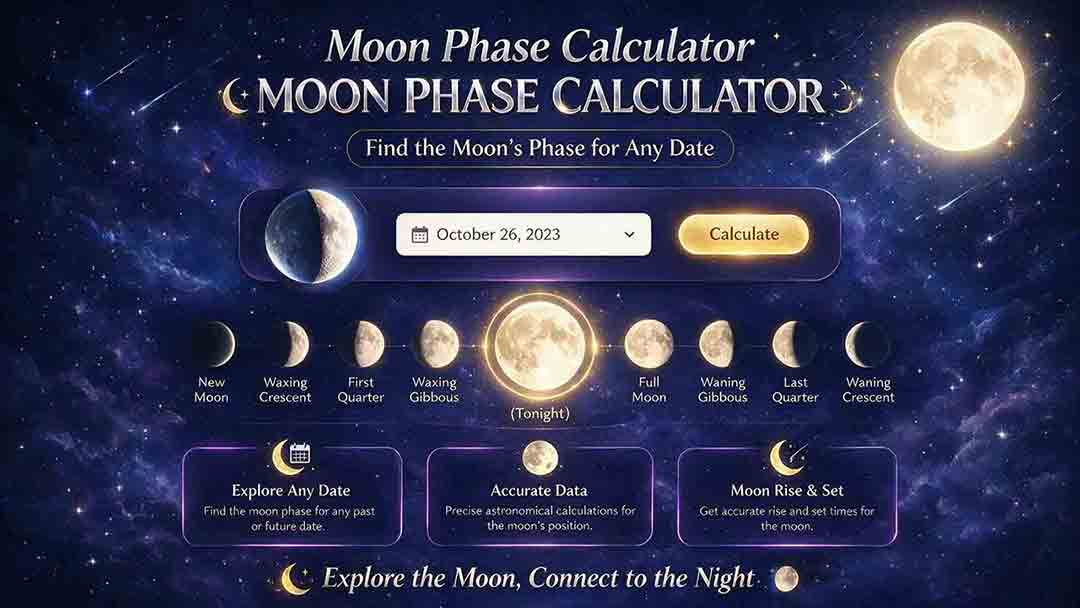
Moon Phase Calculator: Find the Moon’s Phase for Any Date
Select a date in the Moon phase calculator to identify the Moon’s general phase. When available, also check the illuminated percentage and whether the Moon is waxing or waning. Use an exact time and timezone when the selected date is close to New Moon, First Quarter, Full Moon, or Last Quarter.
A phase label is a convenient category rather than a complete astronomical description. Two calculators may display different labels if they use different default times, rounding rules, or phase boundaries.
Key Takeaways
- Illumination alone cannot distinguish waxing from waning.
- New Moon, quarter phases, and Full Moon occur at exact instants.
- Different calculators may apply different eight-phase label boundaries.
- Local visibility also depends on moonrise, altitude, weather, and the horizon.
This guide explains how to read a Moon phase result, compare apparently conflicting labels, and use the information for observing, photography, or date research.
How Do You Use the Moon Phase Calculator?
Choose the date you want to examine, then read the available phase information as separate outputs rather than relying only on the Moon icon.
1. Select the date
For a general question such as “Was the Moon crescent or gibbous that night?”, a date-based lookup is usually sufficient.
A date alone is less precise when a primary phase occurs during that same calendar day.
2. Add an exact time when available
The Moon’s geometry changes continuously. Two moments on the same date can fall before and after an exact New Moon, quarter, or Full Moon event.
If the calculator accepts only a date, its result may be based on midnight, noon, the current time, or a whole-day label. Do not interpret a date-only result as an exact event timestamp unless the tool explicitly provides one.
3. Check the timezone
Use local time for personal observation planning. Use Coordinated Universal Time, or UTC, when comparing astronomical tables or results from different locations.
A fixed UTC offset does not automatically identify a city or apply its historical daylight-saving rules.
4. Read each displayed value separately
A Moon phase calculator may display:
- a phase name;
- an illuminated percentage;
- waxing or waning direction;
- lunar age;
- a Moon illustration;
- the nearest primary phase;
- an exact phase time.
Each output answers a different question. Do not assume a feature is available unless it appears in the calculator interface.
5. Add local sky conditions
A phase result does not show whether the Moon is above your horizon. For observation planning, combine it with the Moonrise and Moonset Calculator and the Night Sky Darkness Calculator.
What Does Each Result Mean?
| Output | Meaning | Best use | Common mistake |
|---|---|---|---|
| Phase label | A name assigned to part of the lunar cycle | Quick identification | Assuming every calculator uses the same boundaries |
| Illumination | The percentage of the apparent lunar disk lit by direct sunlight | Estimating visible brightness and shape | Ignoring whether the Moon is waxing or waning |
| Waxing | The illuminated fraction is increasing | Identifying the first half of the cycle | Treating a left-or-right rule as universal |
| Waning | The illuminated fraction is decreasing | Identifying the second half of the cycle | Confusing waning with the Moon moving downward |
| Lunar age | Time elapsed since the preceding New Moon | Estimating progress through the lunation | Assuming every lunation has exactly the same length |
| Primary-phase time | The exact instant of New Moon, First Quarter, Full Moon, or Last Quarter | Calendars and technical comparison | Treating the event as an all-day condition |
| Moonrise or moonset | The local time when the Moon crosses the horizon | Observation planning | Confusing a local horizon event with a global phase event |
Use the Lunar Age Calculator when elapsed time since New Moon is more useful than the eight-phase label.
How Are Moon Phases Defined?
Moon phases result from the changing geometry of the Sun, Earth, and Moon.
The Sun illuminates approximately half of the Moon at all times. As the Moon moves around Earth, observers see a changing portion of that sunlit hemisphere.
NASA lists the eight traditional phases in this order:
- New Moon
- Waxing Crescent
- First Quarter
- Waxing Gibbous
- Full Moon
- Waning Gibbous
- Third or Last Quarter
- Waning Crescent
The sequence repeats approximately every 29.5 days. NASA’s Moon Phases guide explains the viewing geometry and phase sequence.
What Makes the Primary Phases Exact Events?
The U.S. Naval Observatory defines the four primary phases by the difference between the apparent ecliptic longitudes of the Moon and Sun.
| Primary phase | Longitude difference |
|---|---|
| New Moon | 0° |
| First Quarter | 90° |
| Full Moon | 180° |
| Last Quarter | 270° |
These are precise geometric events. Crescent and gibbous phases describe the intervals between them.
See the USNO explanation of Moon phases and illumination for the astronomical definitions.
Why Can Two Calculators Show Different Labels?
Calculators and lunar calendars may convert the continuous lunar cycle into display labels in several ways. The categories below are explanatory descriptions used in this guide, not an official industry classification.
| Possible display approach | How it may work | Possible display shortly after exact Full Moon |
|---|---|---|
| Exact-event display | Uses Full Moon only for the defined event instant | The Full Moon event has passed |
| Trend-based display | Changes to the next intermediate phase immediately after the event | Waning Gibbous |
| Equal-sector display | Divides a normalized lunar cycle into eight broad sections | May remain Full Moon |
| Calendar-day display | Marks the local date containing the event | Full Moon day |
A difference in the displayed name is not automatically a calculation error. Compare the input time, timezone, waxing or waning direction, and the tool’s stated phase boundaries.
Illustrative Equal-Sector Label Boundaries
Under one possible equal-sector labeling convention, the lunar cycle is represented by a normalized cycle angle in which New Moon is 0°, First Quarter is 90°, Full Moon is 180°, and Last Quarter is 270°.
These ranges illustrate one possible display policy. They are not the official definitions of the four primary-phase events, and they describe a specific calculator only if that calculator documents the same boundaries.
| Phase label | Illustrative normalized cycle range |
|---|---|
| New Moon | 337.5°–360° and 0°–22.5° |
| Waxing Crescent | 22.5°–67.5° |
| First Quarter | 67.5°–112.5° |
| Waxing Gibbous | 112.5°–157.5° |
| Full Moon | 157.5°–202.5° |
| Waning Gibbous | 202.5°–247.5° |
| Last Quarter | 247.5°–292.5° |
| Waning Crescent | 292.5°–337.5° |
The phrase normalized cycle angle is used here to avoid confusing this display scale with the strict astronomical phase-angle definition.
Phase Boundaries: Reference Cases and a Worked Example
The following examples use primary-phase times published by the U.S. Naval Observatory. They show how the astronomical state changes around an exact event while the displayed eight-phase label may still depend on convention.
| Test instant | Astronomical conclusion | Possible display |
|---|---|---|
| Five minutes before New Moon | Approaching New Moon; illumination decreasing | Waning Crescent or New Moon |
| Five minutes after New Moon | Illumination increasing after New Moon | Waxing Crescent or New Moon |
| Exact Full Moon minute | Defined Full Moon event | Full Moon |
| Nine hours 24 minutes after Full Moon | Illumination decreasing | Waning Gibbous or Full Moon sector |
| Five minutes after Last Quarter | Waning after the quarter event | Waning Crescent or Last Quarter |
The relevant USNO 2026 event times are:
- New Moon: July 14 at 09:43 UTC
- First Quarter: July 21 at 11:05 UTC
- Full Moon: July 29 at 14:36 UTC
- Last Quarter: August 6 at 02:21 UTC
These times can be reproduced through the USNO Dates of Primary Phases service.
Worked Example: July 30, 2026 at 00:00 UTC
USNO lists the preceding Full Moon at July 29, 2026, 14:36 UTC. The selected instant is therefore 9 hours 24 minutes after the exact event.
- The Full Moon event has passed.
- The illuminated fraction is decreasing.
- A trend-based display may use Waning Gibbous.
- An equal-sector display may continue to use Full Moon.
- The disk can still appear visually full.
The exact Full Moon event had passed, and illumination was decreasing. Under a trend-based convention, the Moon was waning gibbous. A calculator using a broader eight-phase sector may still display Full Moon.
Original Analysis: Why Equal Quarter-Cycles Miss Exact Events
A mean lunation is useful for estimating the Moon’s general cycle position, but the four intervals between primary phases are not exactly equal.
This comparison begins with the USNO New Moon time of July 14, 2026, at 09:43 UTC. Successive intervals of 7.382647 days—one quarter of a 29.530588853-day mean lunation—are then added to that timestamp. Each estimate is compared with the corresponding USNO event time.
| Event | Equal-quarter estimate, UTC | USNO event, UTC | Estimate minus USNO |
|---|---|---|---|
| New Moon anchor | July 14, 09:43 | July 14, 09:43 | 0h 00m |
| First Quarter | July 21, 18:54 | July 21, 11:05 | +7h 49m |
| Full Moon | July 29, 04:05 | July 29, 14:36 | −10h 31m |
| Last Quarter | August 5, 13:16 | August 6, 02:21 | −13h 05m |
| Next New Moon | August 12, 22:27 | August 12, 17:37 | +4h 50m |
Even when the model begins at a correct New Moon, equal quarter-cycle spacing misses the other primary events by approximately five to thirteen hours in this lunation. A mean-lunation model is therefore useful for estimating cycle position, but not for publishing exact primary-phase times.
This comparison evaluates the equal-quarter method, not any specific calculator.
Can the Same Full Moon Have Different Local Dates?
Yes. One astronomical event can appear on different civil dates because local clocks use different timezones.
For the Full Moon at July 29, 2026, 14:36 UTC:
| Time reference | Local date and time |
|---|---|
| UTC−7 | July 29, 2026, 07:36 |
| UTC | July 29, 2026, 14:36 |
| UTC+5:30 | July 29, 2026, 20:06 |
| UTC+14 | July 30, 2026, 04:36 |
Each row represents the same physical event.
A fixed offset does not automatically apply the daylight-saving rules of a named city. For location-based conversion, use the offset that legally applied on the event date.
Which Inputs Affect the Answer?
| Input | Effect | When it matters |
|---|---|---|
| Date | Selects a point in the lunar cycle | Every lookup |
| Exact time | Determines whether the instant falls before or after an event | Near primary phases |
| Timezone | Converts local time into a universal instant | Comparing local dates and technical tables |
| Latitude and longitude | Usually do not change the general geocentric label | Moonrise, moonset, altitude, azimuth, orientation, and topocentric calculations |
| Hemisphere | Changes apparent orientation, not waxing or waning status | Visual interpretation |
| Calendar convention | Changes the meaning of some historical dates | Historical research |
At the same instant, ordinary observers worldwide share essentially the same general lunar phase and illuminated fraction. Local orientation, altitude, rise and set times, and small topocentric differences depend on location.
Is 100% Illumination Always the Exact Full Moon?
No. A calculator that rounds to the nearest whole percentage may display 99.6% as 100%. Exact Full Moon is defined by Sun–Moon geometry, not by a rounded display value.
Two moments can therefore show the same percentage while having opposite trends: one may be waxing toward Full Moon and the other waning after it. Display precision should not be confused with calculation accuracy.
Which Moon Phase Is Best for Observing or Photography?
The most useful phase depends on the target and the time of observation.
| Goal | Useful lunar condition | Additional checks |
|---|---|---|
| Observe lunar surface detail | Crescent, quarter, or gibbous Moon | Terminator position, altitude, atmospheric steadiness |
| Photograph a thin crescent | Waxing after sunset or waning before sunrise | Twilight, horizon clearance, azimuth |
| Observe faint deep-sky objects | Near New Moon or while the Moon is below the horizon | Altitude, angular separation, clouds, light pollution |
| Watch a meteor shower | Low lunar interference during peak hours | Moon altitude, radiant altitude, weather |
| Create a moonlit landscape | Gibbous or Full Moon | Moonrise direction, elevation, foreground alignment |
For crescent photography, use the Sunrise and Sunset Calculator to check twilight and the available horizon window.
Historical Dates
Historical results depend on both the astronomical model and the calendar used to interpret the entered date. A calculator may use the Julian calendar, the Gregorian calendar, or a proleptic Gregorian calendar extended backward.
For early dates, uncertainty in Earth’s past rotation also limits minute-level time reconstruction. Always check the stated calendar convention and supported date range before using a result for historical research.
The USNO phase service covers 1700–2100. That range belongs to the USNO service and does not automatically apply to another calculator.
Use the Julian Date Converter when an unambiguous continuous day count is required.
Why Does a Moon Phase Result Look Unexpected?
| Problem | Likely explanation | Recommended check |
|---|---|---|
| Another website shows a different label | Different time or label boundaries | Compare the same UTC instant and classification rule |
| The Full Moon appears on another date | Timezone conversion | Convert both results to UTC |
| The result shows 100% before or after Full Moon | Display rounding | Check the event time and waxing or waning trend |
| A half-lit Moon has the wrong quarter name | Direction of change was ignored | First Quarter is waxing; Last Quarter is waning |
| The illuminated side looks reversed | Hemisphere or viewing orientation | Avoid universal left-or-right rules |
| A historical date differs by several days | Different calendar conventions | Confirm Julian or Gregorian input |
What Can a Moon Phase Calculator Not Determine?
A Moon phase calculator does not independently determine:
- cloud cover, haze, smoke, or atmospheric transparency;
- obstruction by terrain, trees, or buildings;
- local moonrise, moonset, altitude, or azimuth without location data;
- eclipse visibility;
- local tide times or heights;
- safety-critical navigation or mission timing.
A New Moon does not automatically produce a solar eclipse, and a Full Moon does not automatically produce a lunar eclipse. An eclipse also requires alignment near one of the Moon’s orbital nodes.
Accuracy Checklist
Before publishing or relying on a result:
- Record the date, exact time, and timezone.
- Read illumination together with waxing or waning direction.
- Distinguish an exact event from a broad phase label.
- Check whether the displayed percentage is rounded.
- Add moonrise, altitude, and weather for visibility questions.
- Confirm the calendar convention for historical dates.
- Verify exact event times with an authoritative phase table.
Conclusion
A reliable Moon phase result combines the selected date and time with the illuminated fraction, waxing or waning direction, and a clearly understood label convention. For observing, add local moonrise, altitude, weather, and horizon conditions. For exact event publication, verify the UTC timestamp with an authoritative phase table.
Frequently Asked Questions
Why do two Moon phase calculators show different labels?
They may use different default times, timezones, rounding rules, or label boundaries. Compare both tools at the same UTC instant.
Is a 50% illuminated Moon always First Quarter?
No. A half-lit Moon is First Quarter while waxing and Last Quarter while waning.
Can a Full Moon look full before or after the official time?
Yes. Illumination changes slowly near Full Moon, even though the exact event occurs at one instant.
Does location change the Moon’s phase?
Location normally does not change the general geocentric phase label, but it changes orientation, altitude, azimuth, rise and set times, and visibility.
Sources
NASA Science — Moon Phases
Phase sequence, illumination geometry, and average lunar cycle. Accessed July 30, 2026.U.S. Naval Observatory — Phases of the Moon and Percent Illuminated
Primary-phase definitions and illuminated-fraction terminology. Accessed July 30, 2026.U.S. Naval Observatory — Dates of Primary Phases
UTC event times used in the 2026 examples and the service’s stated range. Accessed July 30, 2026.NASA JPL — Horizons
Specialist ephemeris resource; not claimed as the calculator’s internal source. Accessed July 30, 2026.
More from Sky & Time Tools
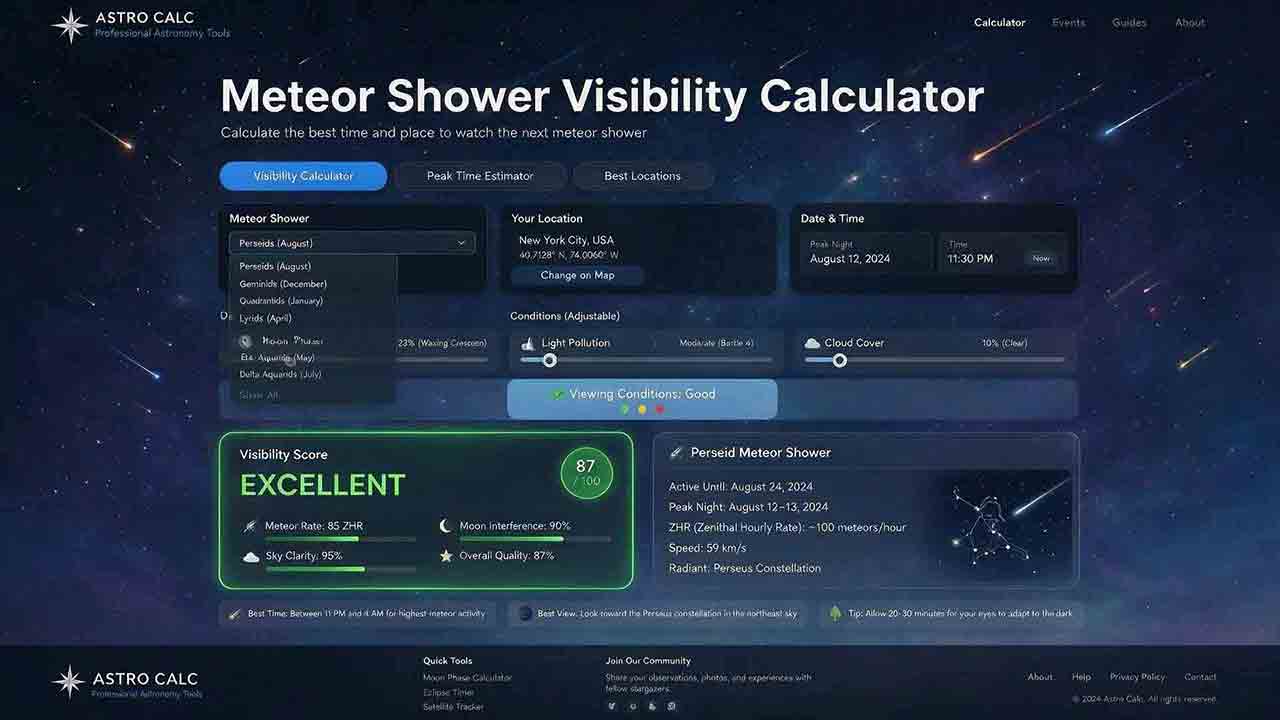
Meteor Shower Visibility Calculator
This guide explains how to use a meteor shower visibility calculator to identify a locally favorable observing window instead of relying only on a published peak time or Zenithal Hourly Rate. It covers activity periods, radiant altitude, astronomical darkness, Moon timing, weather, limiting magnitude, population index, and the distinction between named-shower members, sporadic meteors, and meteors from overlapping showers. The article introduces two original planning tools: the Five-Layer Meteor Test and the Meteor Opportunity Window, which calculates the overlap between activity, radiant, darkness, Moon, weather, and session constraints. A reproducible cross-midnight example compares illustrative 20° and 40° radiant thresholds, producing windows of 2 hours 20 minutes and 1 hour 40 minutes. Practical guidance addresses moonlight, viewing direction, dark adaptation, calculator disagreements, troubleshooting, and responsible site selection, supported by NASA, IMO, AMS, and U.S. Naval Observatory sources.
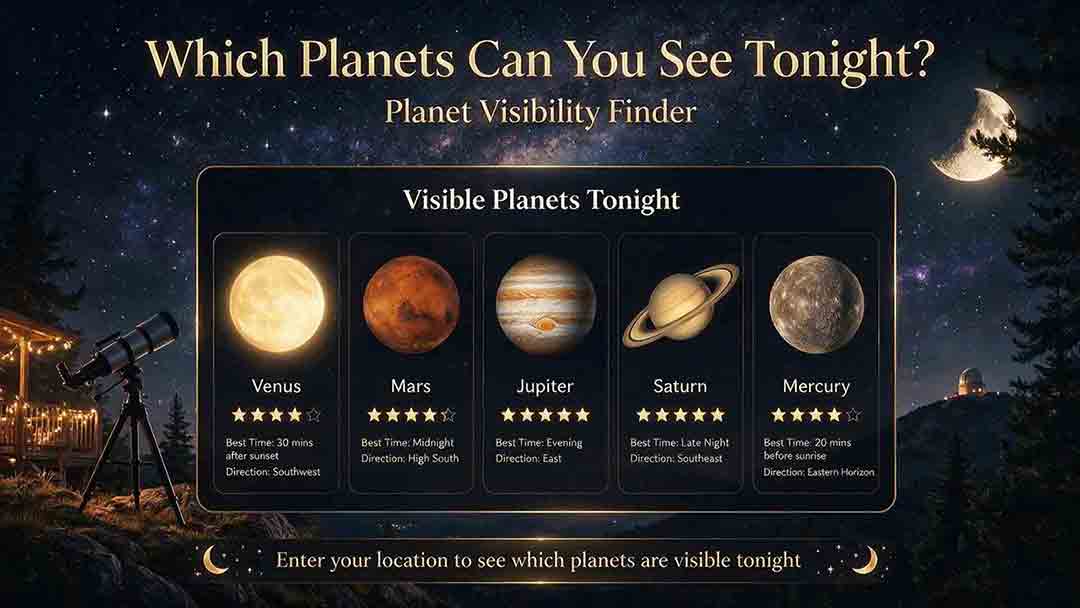
Planet Visibility Finder: Which Planets Can You See Tonight?
This guide explains how to use a planet visibility finder to decide which planets are realistically observable for a selected date, time, and location. It shows why an object being above the horizon does not guarantee visibility and explains the roles of altitude, azimuth, apparent magnitude, solar elongation, twilight, moonlight, weather, and local obstructions. Readers learn which planets are normally visible without a telescope, how Mercury and Venus differ from the outer planets, and why two finders may produce different results. The article introduces an original Four-Gate Visibility Test covering position, solar light, detectability, and site timing, plus a reproducible Useful Viewing Window calculation. A hypothetical example compares a 1-hour-26-minute naked-eye window with an 18-minute higher-altitude telescope window. Practical troubleshooting, safety guidance, and NASA, USNO, and JPL sources support the planning method.
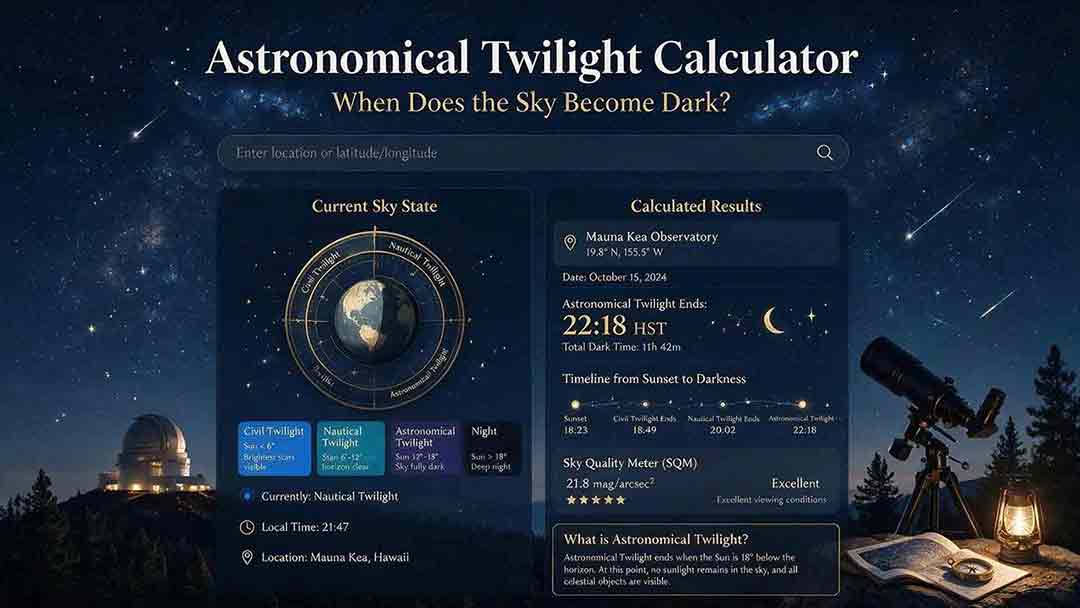
Astronomical Twilight Calculator: When Does the Sky Become Dark?
This guide explains how to use an astronomical twilight calculator to identify the end of evening astronomical twilight and the beginning of morning astronomical twilight for a selected date and location. It distinguishes sunset, civil dusk, nautical dusk, astronomical dusk, and the Sun-below-18° interval while clarifying that solar geometry does not guarantee a visibly dark sky. Readers learn how latitude, season, timezone, daylight-saving rules, moonlight, skyglow, clouds, haze, and high-latitude conditions affect practical planning. The article introduces two original tools: the Darkness Margin, which calculates how much of a session falls inside the Sun-below-18° interval, and a Task Threshold Matrix that matches observing goals to practical twilight stages. A worked cross-midnight example produces a 1-hour-48-minute dark interval. Troubleshooting guidance, planning checks, and authoritative USNO, NOAA, and National Park Service sources support the method.
Explore More Topics
Astrophotography Storage Calculator
This guide explains how to estimate storage for astrophotography capture, processing, and backup without relying on misleading megapixel shortcuts. It compares measured-file, uncompressed-array, and bitrate methods; distinguishes mean, median, high-percentile, and maximum file-size statistics; and explains decimal versus binary storage units. Readers learn how FITS headers, padding, HDUs, RAW compression, calibration frames, RGB conversion, drizzle, mosaics, caches, and temporary files affect project size. Original planning tools include the Four-Bucket Storage Ledger, the Capture–Process–Protect Check, and a clearly defined storage expansion ratio. Worked examples show how to calculate peak logical data, project-relative headroom, complete-copy footprint, media count, write rate, and transfer time. The article also covers integrity verification, backup limitations, retention decisions, and troubleshooting. It is designed to help astrophotographers build realistic capacity plans for single sessions, multi-night projects, planetary video, star trails, and long-term archives.
Star Trail Exposure Calculator
This guide explains how to calculate star-trail exposure time from Earth’s sidereal rotation, stellar declination, and local image scale. It distinguishes polar sweep, declination-adjusted sky-path length, projected pixel length, recorded sweep, missing sweep, and the full start-to-end span of a stacked sequence. Original tables compare trail lengths at several declinations, quantify one-second frame gaps at different image scales, and show how recorded time, gap time, duty cycle, and sequence sweep relate. The Trail–Frame–Sequence Check provides a practical framework for separating celestial geometry, per-frame reliability, and sequence continuity. Worked examples also address the celestial-pole edge case, local WCS-based pixel movement, frame-count limits, long-exposure noise reduction, and the difference between a single exposure and stacked frames. Readers can use the article to plan smoother trails, avoid misleading sequence calculations, and verify expected motion with native-resolution test images.
Camera Field of View Calculator
This guide explains how to calculate horizontal, vertical, and diagonal camera field of view from the recorded active sensor dimensions and effective focal length. It distinguishes physical focal length from crop-factor comparisons, shows why aspect ratio and target rotation affect framing, and provides independently calculated reference tables for common sensor sizes and focal lengths. The original Frame Envelope Check separates ideal frame geometry, the target envelope, and the usable frame retained after dithering, registration, distortion correction, and cropping. Worked examples demonstrate target occupancy, maximum permitted focal length, rotated bounding boxes, and mosaic panel counts with overlap. The article also explains radians versus degrees, crop and stabilization modes, focus breathing, rectilinear versus fisheye projection, and plate-solving verification through a celestial WCS. Readers can use the formulas, margin budget, troubleshooting table, and framing checklist to plan wide-field compositions, small-target imaging, or mosaics without treating a mathematical edge-to-edge fit as a guaranteed final frame.